Hear it read. Follow every word.
Made for schools, their students, and readers at home. Runs on your Mac or Windows PC.
Drop in a book and Reader reads it to you, lighting each sentence and each word as it is spoken. It was built for schools and their students, above all readers with ADHD, dyslexia or autism who stay with a book only when they hear it and see it at the same time. Anyone can use it at home.
Any book file.
PDF, EPUB, Word, text or Markdown. Drop it in and it is split into chapters.
0:10 in the filmPick a voice.
Free in the cloud, free on your machine. Audio is made in the background, and you read what is ready.
0:20 in the filmFollow every word.
The current sentence is banded and the current word lit. Click any word to jump there.
0:33 in the filmRead your way.
Focus mode dims everything but the line you are on. Your type, your spacing, your paper.
0:44 in the filmOn your phone too.
Same books, same place, shared over Tailscale or your own Wi‑Fi.
0:53 in the film
The details.
- Made for
- Schools and their students, and anyone who stays with a book when they hear it and see it at once
- Licensing
- Licensed to schools; personal copies for use at home
- Books
- PDF, EPUB, DOCX, TXT or Markdown, split into chapters, cover included
- Voices
- Microsoft Edge and ElevenLabs in the cloud; Kokoro and Chatterbox Turbo on your machine
- Read along
- The current sentence banded, the current word lit; click any word to jump there
- Reading aids
- Atkinson Hyperlegible or OpenDyslexic, size, spacing, measure, light, sepia or dark paper
- Focus
- Dims everything but the line you are on
- Your place
- Kept to the sentence; finished chapters are checked off
- Phone
- Share it over Tailscale or your Wi‑Fi and add it to your home screen
- Runs on
- macOS 13 or later on Apple Silicon, and Windows 10 or 11
How to get it.
- Ask us for a school licence or a personal copy.
- Install it. The first launch sets up its voice engine, which takes a few minutes online.
- Drop in a book and press play. After that, reading works offline.
This opens an email to support@aideya.co.
We built Reader.
We can build yours.
Reader is in use every day. An Aideya engineer can work inside your business and build the software it needs.
More we've made
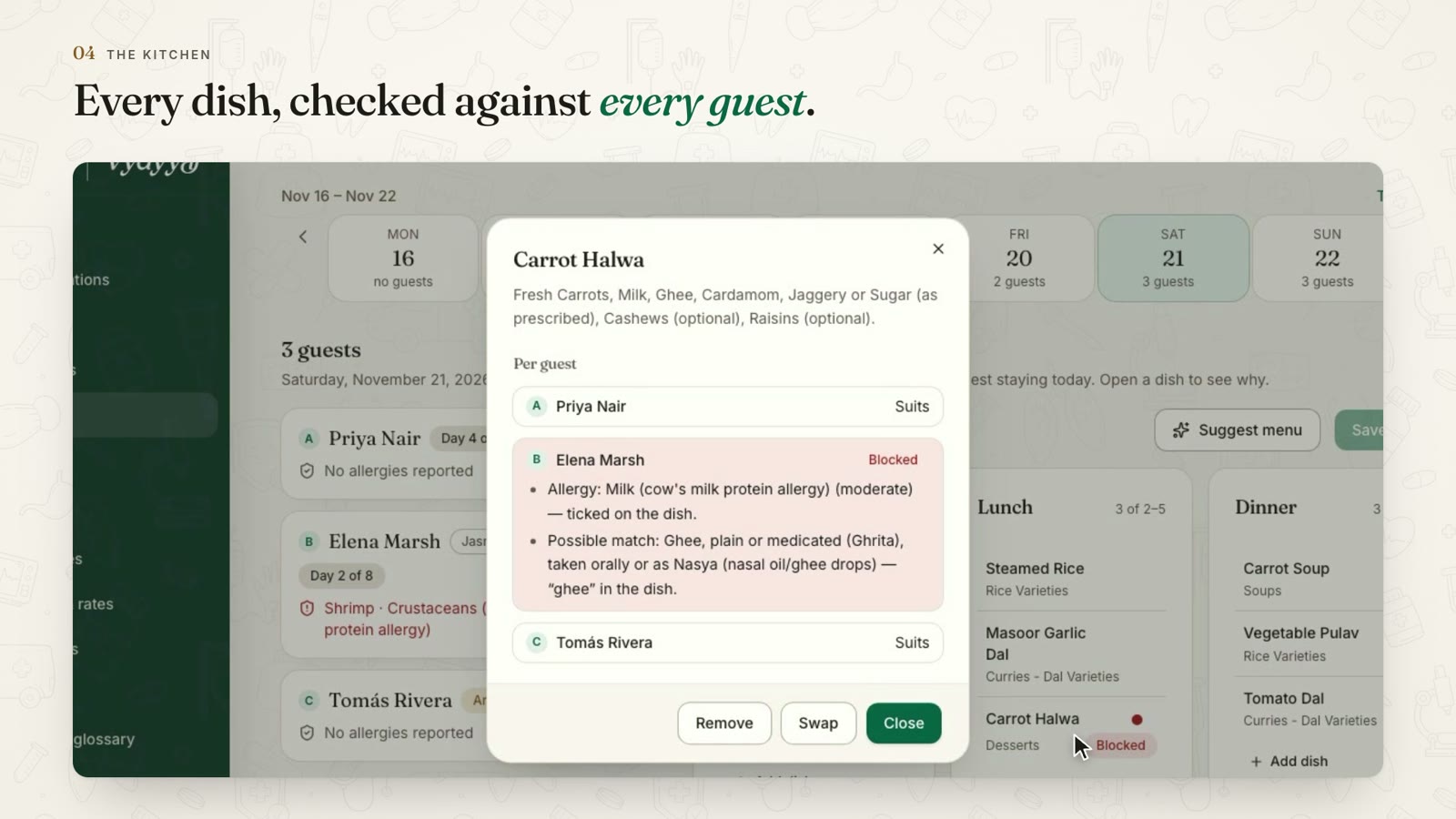 One calm system for the whole stay.Learn more
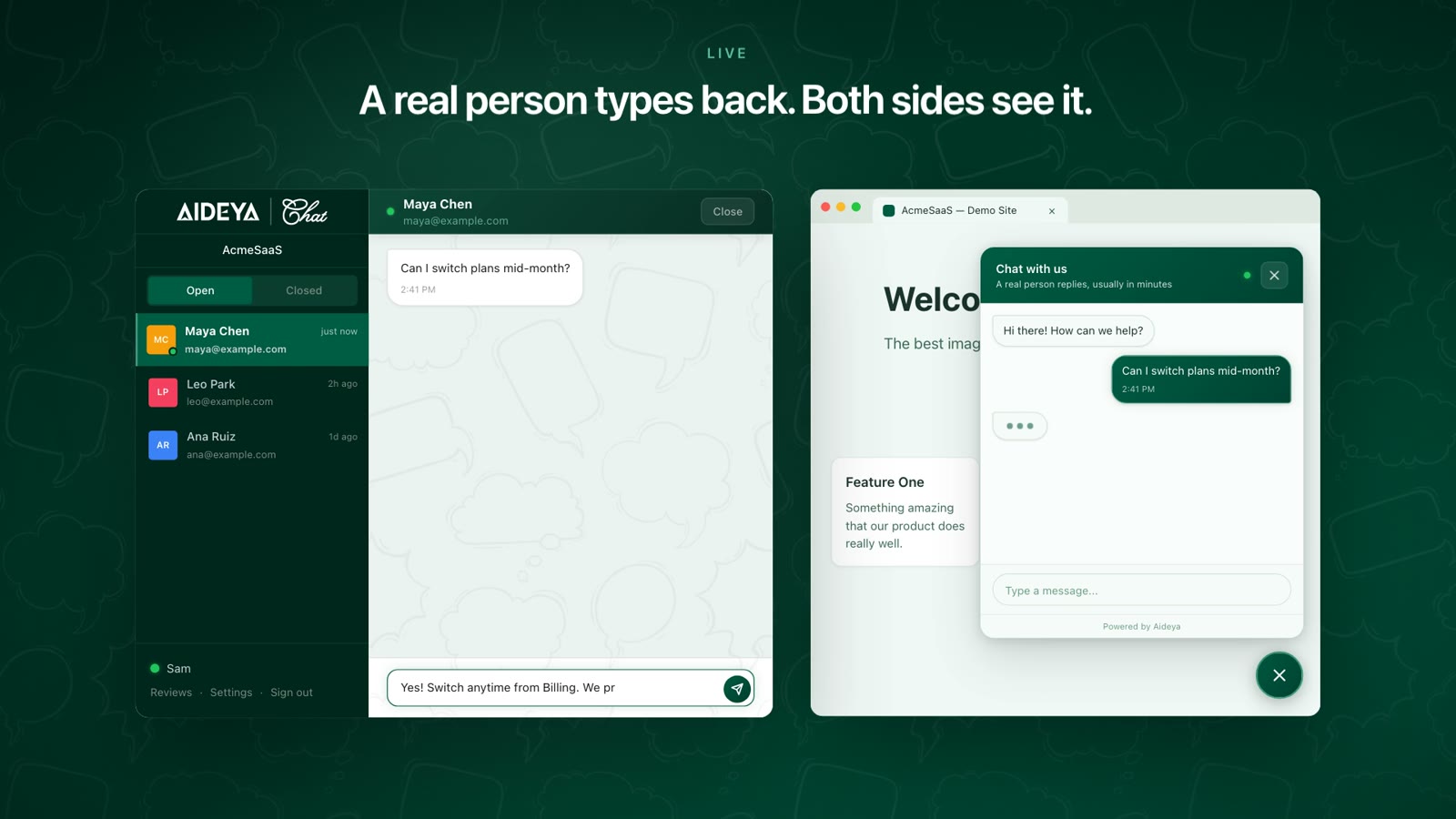 A chat bubble for your website where a real person on your team answers.Learn more
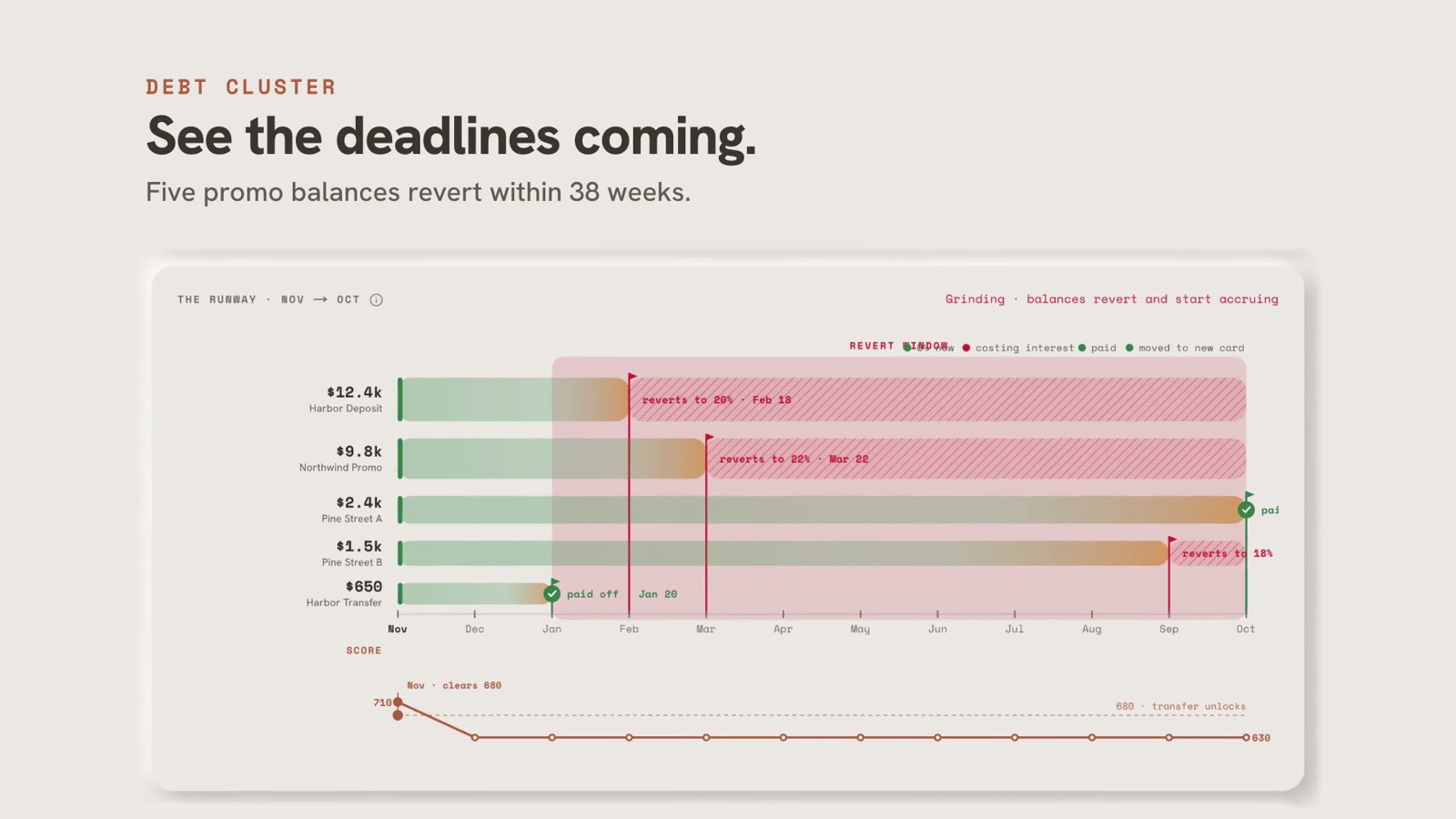 A calm command center for paying off credit cards and building better credit.Learn more
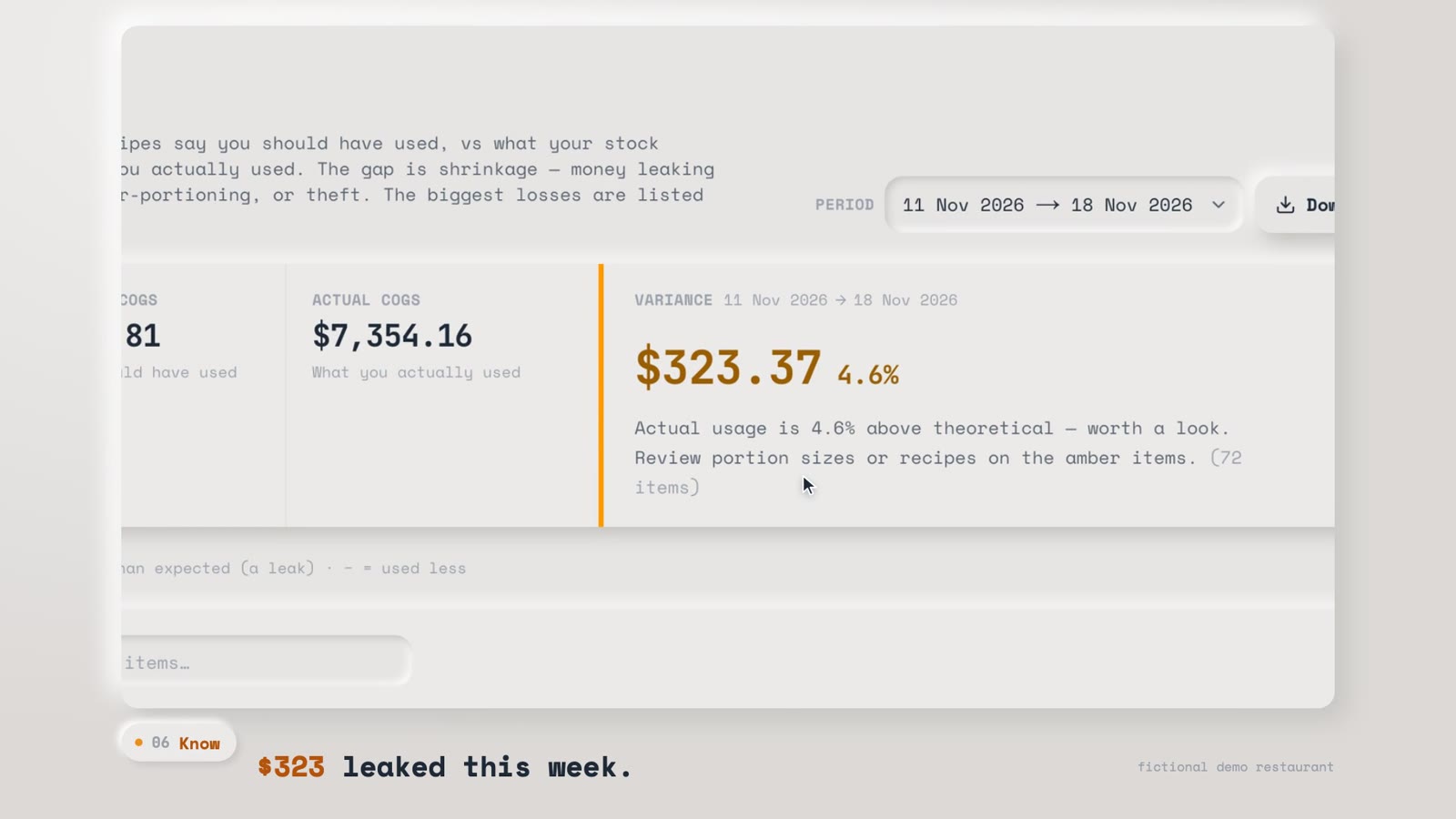 It costs every recipe, counts stock from your phone, and shows where food cost leaks.Learn more