What do I pay, and when?
Made for credit repair companies and anyone paying down credit cards. Runs on your computer.
A calm command center for paying off credit cards and building better credit. Enter the cards, income and bills. It tells you how bad the 0% cluster is, what to pay this month and in what order, whether a balance transfer is worth it, and whether you're on track. It shows its work, so a credit repair company can walk a client through every step.
See the deadlines coming.
Every 0% promo on one runway, with the date it reverts.
0:21 in the filmPress Optimize.
It puts your monthly surplus where it saves the most, then lists this month's moves. Tick what you paid.
0:26 in the filmIt shows its work.
Month-by-month reasoning from your own plan. Avalanche, snowball or hybrid, each one priced.
0:36 in the filmGrind it out, or transfer?
Flip between the two and watch the runway change. Got a real offer? Weigh its fee against the interest it saves.
0:42 in the filmKnow when you are done.
A debt-free date, and what an extra $200 a month would save.
0:53 in the filmIt all stays on your computer.
One file. No account, no cloud.
1:20 in the film
The details.
- Made for
- Credit repair companies and their clients, and anyone paying down several cards and 0% promos
- Answers
- How bad is it, what to pay and when, is the transfer worth it, am I on track
- Strategies
- Avalanche, snowball or hybrid, each priced against the others
- Offers
- Model a real balance-transfer offer against its fee
- Score
- A directional estimate, not a real FICO score
- Your data
- One file on your computer. No account, no cloud
- Backups
- Export and import a JSON backup
- Runs
- Mac, Linux, and Windows with WSL
- Note
- Not financial advice. It organizes your own numbers
How to get it.
- Ask us for a copy.
- We share a private download. Setup takes about ten minutes.
- Add your cards, or look around with sample data first.
This opens an email to support@aideya.co.
We built Cartera.
We can build yours.
Cartera is in use every day. An Aideya engineer can work inside your business and build the software it needs.
More we've made
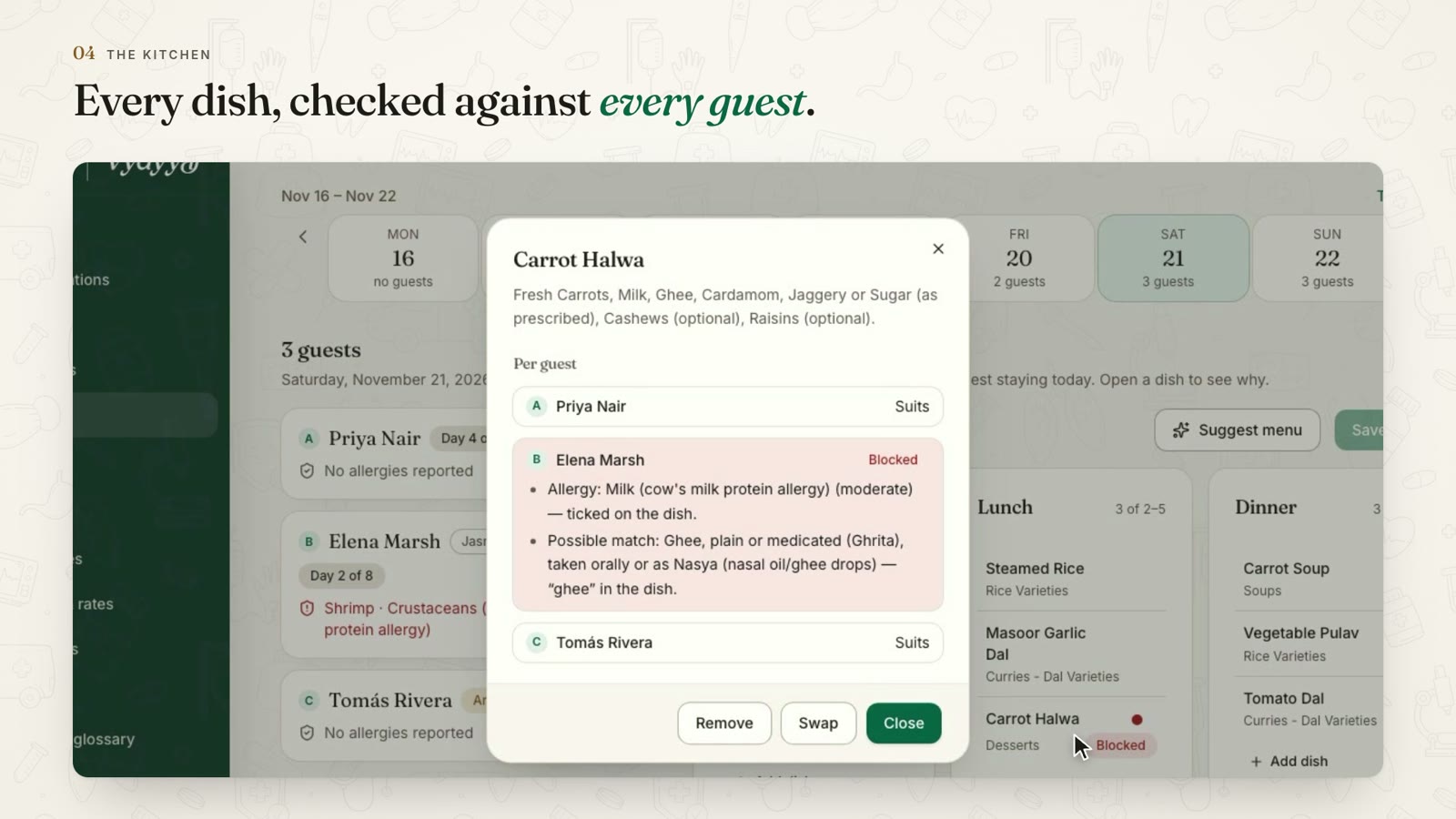 One calm system for the whole stay.Learn more
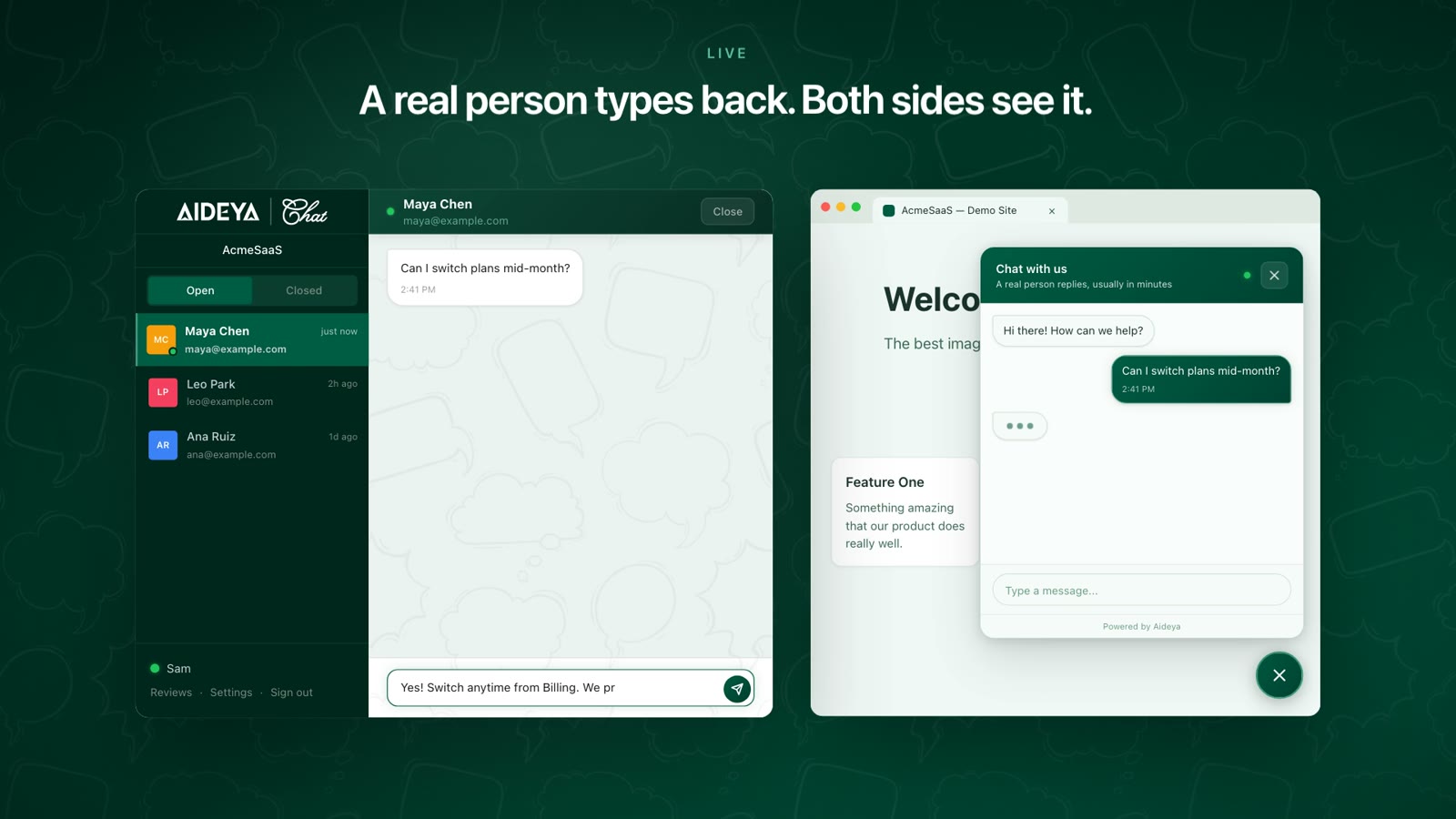 A chat bubble for your website where a real person on your team answers.Learn more
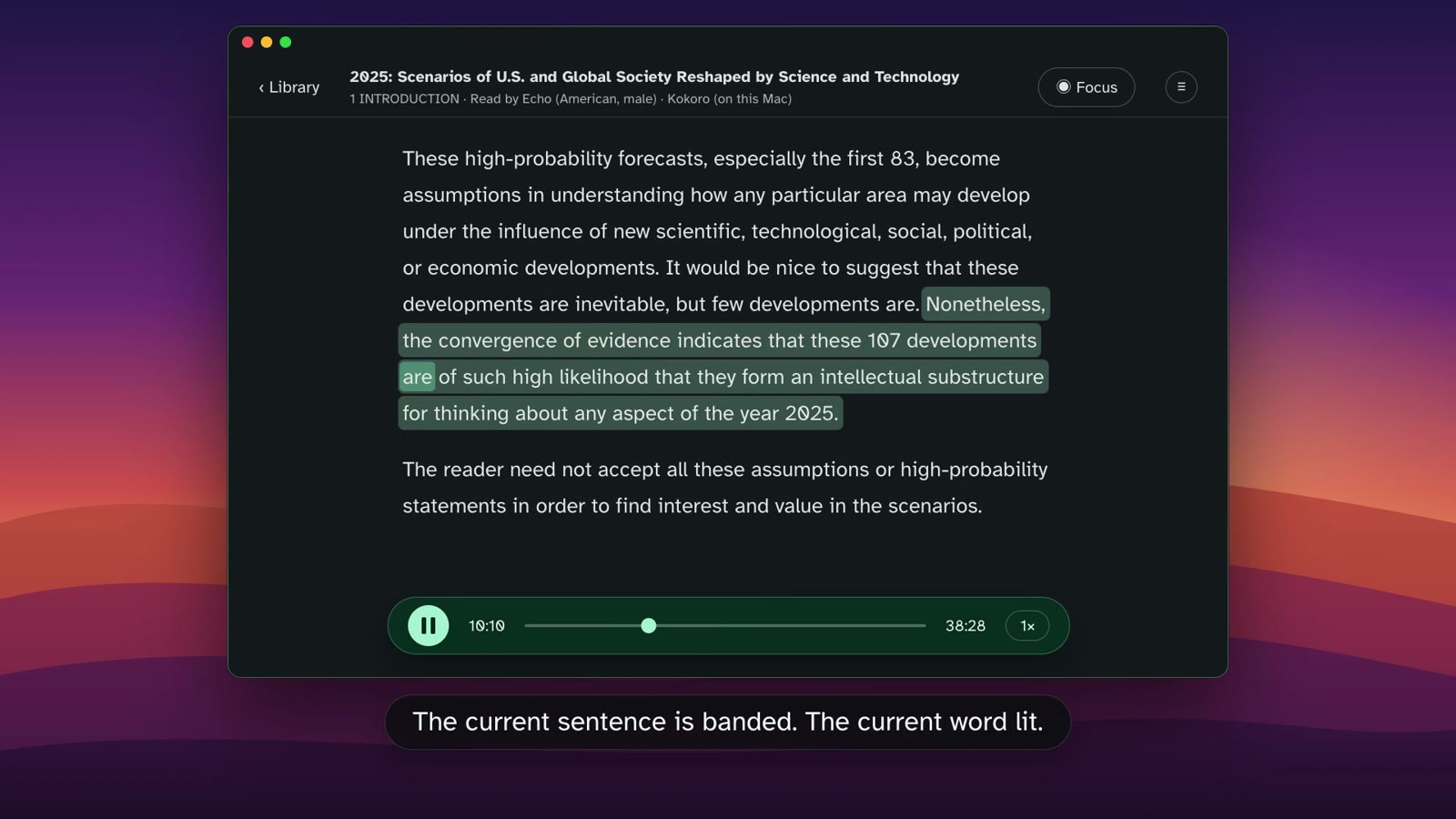 A desktop read-along that schools license, and anyone can use at home.Learn more
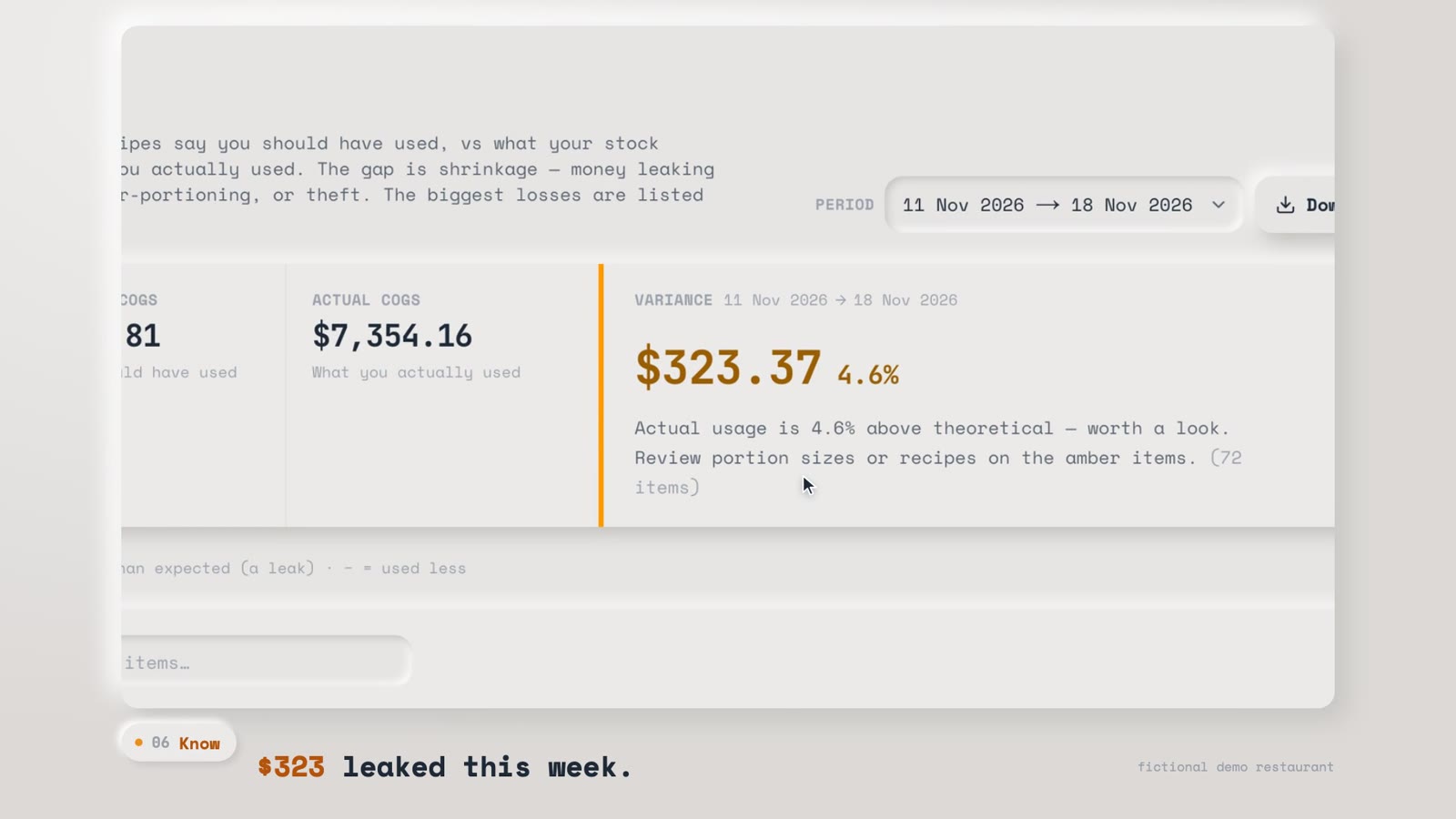 It costs every recipe, counts stock from your phone, and shows where food cost leaks.Learn more